




|
Administrator Handbook | Table of contents | |
|
The service tree allows you to load and supervise special processes especially written for LoriotPro called service plug-ins.
The included Web server is an example of a service plug-in. This concept extends the capacity of the software by providing you with the ability to develop your own processes and create almost any customized application.
A service plug-in normally runs in background mode, alongside the LoriotPro Kernel process, and can access any resources (objects and functions).
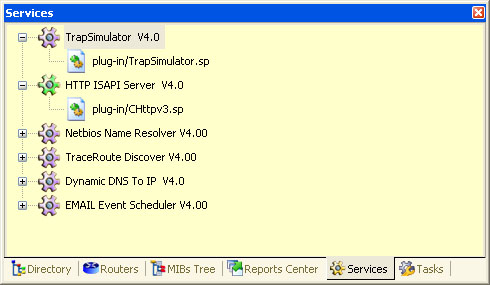
WorkSpace, Services
Service Plug-ins should be written with the provided SDK. LoriotPro is distributed with two service plug-ins that are installed by default.
You can access plug-in associated functions from the main menu Services.
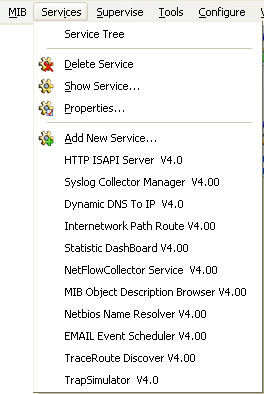
Service plug-in tree menu
Or from the context menu of the service tree.
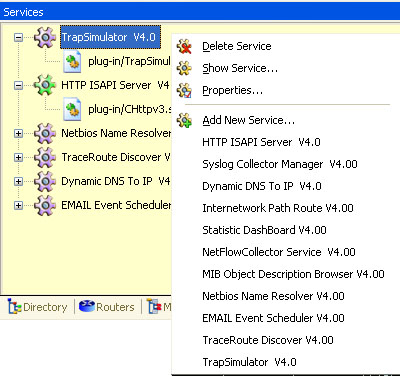
Service tree context menu.
Double-clicking on an object of the tree displays the configuration or status screen associated with the service plug-in.
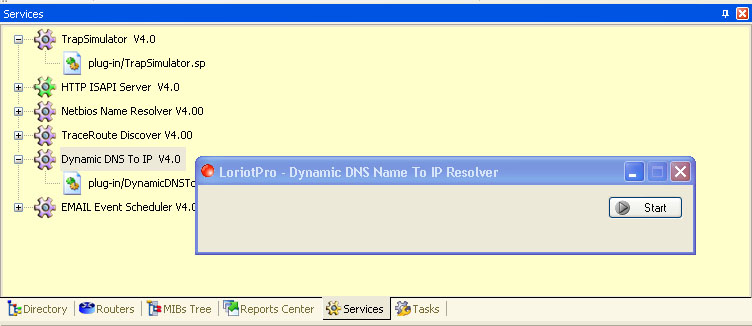
DashBoard service Plug-in
The service plug-in(s) that come with LoriotPro are detailed in subsequent chapters.
 www.loriotpro.com
 |
|